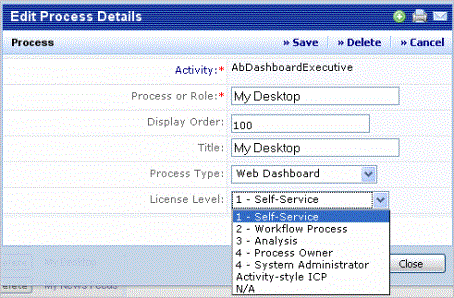
To extend license levels to new processes, as the Add-In Manager, assign any new process you create a License Level value (for example,1 - Self Service). The program will consider all views on that process to be of that license level.
The Assign Processes to Roles view and the Dashboard Definition Wizard help ARCHIBUS Administrators ensure that they assign only the proper processes and views.
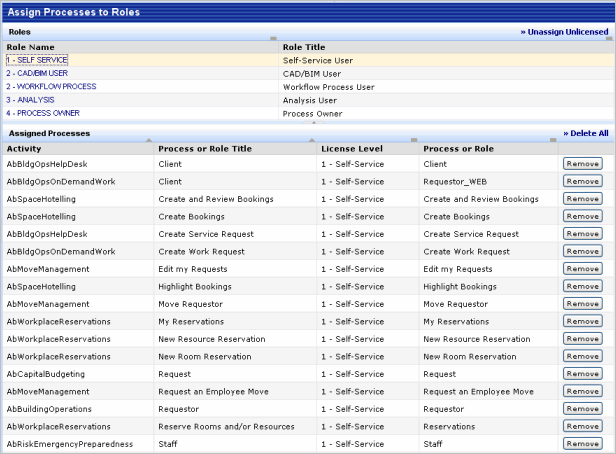
Stock ARCHIBUS Views will not load if the current account doesn't have the right license level. For example, a level "1- Self Service" user cannot load an Analysis view.