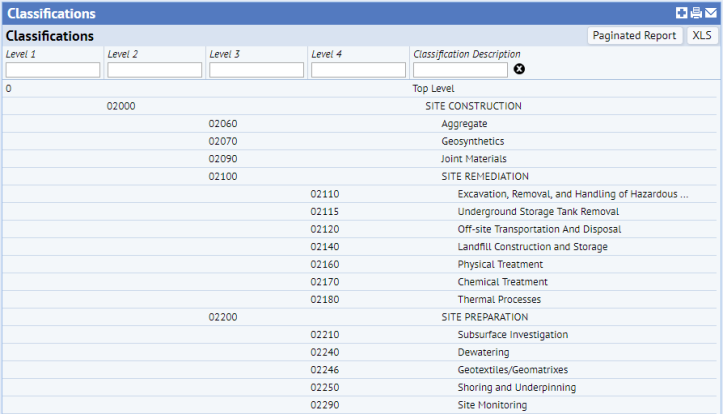
Open Asset Management / Enterprise Asset Management / Extensions for BUILDER SMS / View Classifications (ab-ca-class-rep.axvw) to view all BUILDER™ SMS classifications for asset inventories.
See Defining Classifications for information on classifications and classification standards. Do not, however, alter BUILDER™ SMS classifications in ARCHIBUS.
By default the Classification Code is set to MasterFormat, thus UNIFORMAT II codes will not show up for the Classification Code field. System Administrators need to change the value of the ClassificationCode_SetStandard application parameter to UNIFORMAT II, in order for the Classification Code field to display the classification codes imported from BUILDER™ SMS. For information, see the discussion on classifications in Define Equipment.
The image below shows the first several rows of the table:
See also
BUILDER™ SMS Classification Example
Process Navigator Views: Extensions for BUILDER™ SMS
Defining Classifications for Assessment Items
| Copyright © 1984-2019, ARCHIBUS, Inc. All rights reserved. |