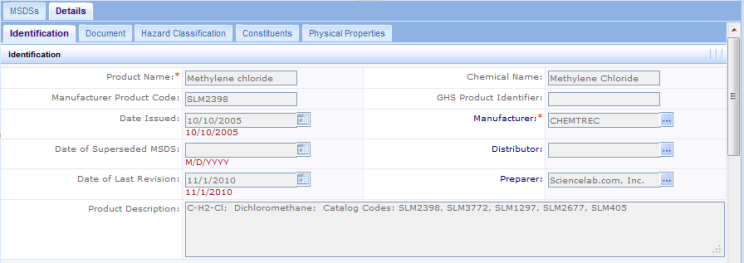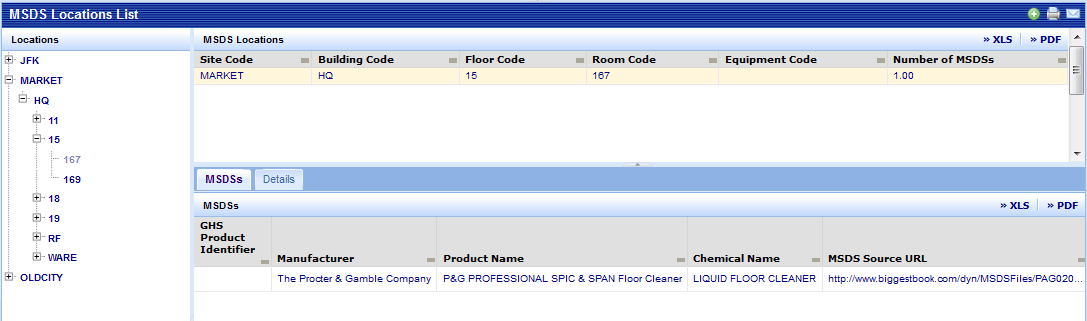
The MSDS Locations List displays locations that have associated MSDSs. The initial display has a tree structure that shows the site and expands to building, floor, and room. Selecting a node in the tree displays summary information about that location. Selecting the location in the grid at the top of the form produces a list of the MSDSs assigned to the location. To view details, click on the MSDS and the system will display the 5 tabs shown below. Initially, the form presents the Identification tab, but you can switch between the tabs at will by clicking on the tab. A detailed discussion of the data in each of these tabs can be found in the Define Material Safety Data Sheet topic.